
Free PDF Tools to Fix, Convert and Shrink Any PDF in a Few Clicks
Got a PDF that is too big, in the wrong order or in the wrong format? Pick a tool below, add your file and download the result. No account, nothing to install, and your files are removed within 2 hours.
/
Popular:
Showing of tools
No tool found
Try a different word, such as the file type you have (pdf, docx, jpg) or what you want to do (merge, compress, sign).
Word to PDF
Save a DOC or DOCX file as a PDF that looks the same on every phone and computer.
PDF to Word
Turn a PDF into a Word file so you can fix the text, update a CV or reuse a report.
Merge PDF
Join up to 20 PDFs into one file and put them in the order you want.
Split PDF
Break a long PDF into single pages, or cut out just the page ranges you need.
PDF to JPG
Save every page of a PDF as a picture you can share in a chat or add to a slide.
JPG to PDF
Put up to 20 photos into one PDF and choose the page size and direction.
PowerPoint to PDF
Make a PDF copy of your slides so anyone can open it without PowerPoint.
PDF to PowerPoint
Get a PPTX file from a PDF so you can edit a deck that only exists as a PDF.
Compress PDF
Make a heavy PDF small enough to email or upload. You pick how strong the squeeze is.
PDF to Excel
Pull tables out of a PDF into XLSX or CSV so you do not have to retype them.

PNG to PDF
Combine PNG screenshots or images into a PDF with the quality you choose.

PDF to PNG
Export PDF pages as sharp PNG images at a resolution from 72 to 300.
Sign PDF
Draw, type or upload your signature and place it on the page. No printing needed.
OCR PDF
Read the text in a scanned PDF and save it as a text file. Runs in your browser.
Edit PDF
Write on a PDF, add a picture or draw on it, then save the marked-up copy.
HTML to PDF
Turn an HTML or text file into a neat PDF for invoices, reports or saved pages.
Watermark PDF
Stamp your own text across every page, with the opacity and angle you choose.
Rotate PDF
Fix pages that came out sideways or upside down in one click.
Unlock PDF
Remove the password from a PDF when you already know the password.
Protect PDF
Lock a PDF with a password before you send it to someone.
Organize PDF
See your pages as thumbnails, then reorder, turn or delete them.
PDF to PDF/A
Create a PDF/A copy for archives and offices that ask for that standard.
Repair PDF
Try to recover a PDF that will not open or shows an error.
Add Page Numbers
Number the pages of a PDF. Pick the corner, the style and the first number.
Scan to PDF
Photograph paper pages with your phone and turn the photos into one tidy PDF.
Compare PDF
Upload two versions of a document and see which pages are different.
Compress + Watermark
Make the file smaller and stamp a watermark on it in a single run.
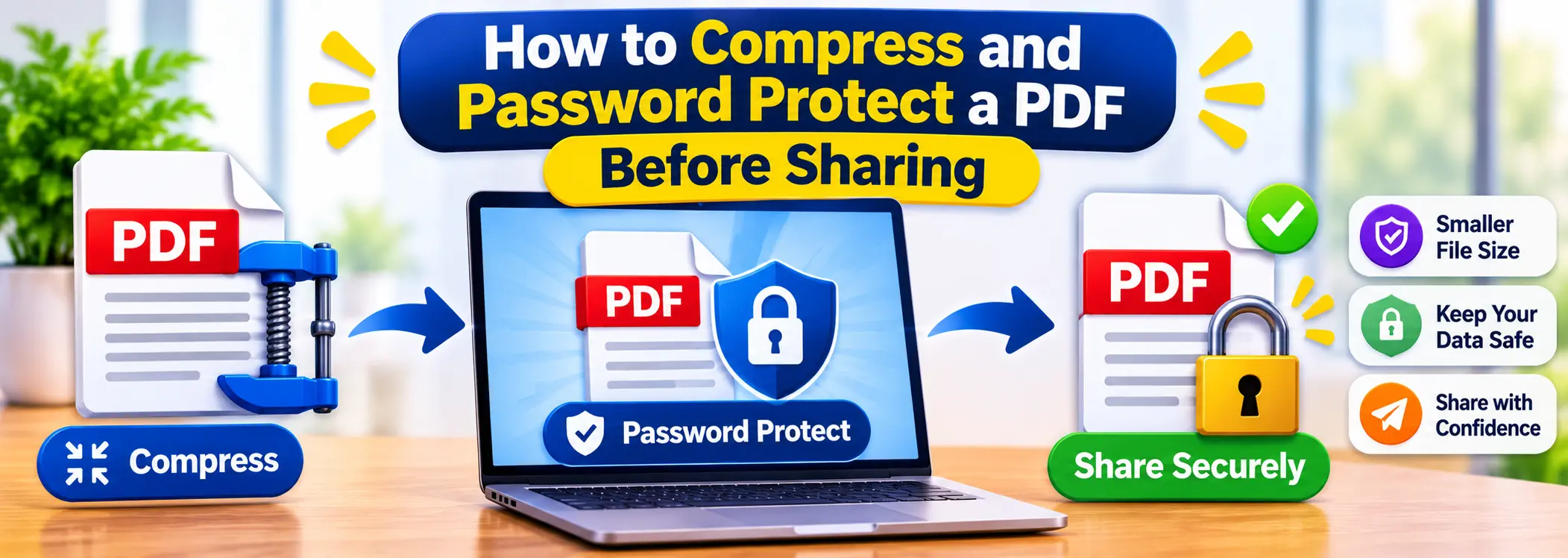
Compress + Protect
Make the file smaller and lock it with a password in a single run.
Merge + Compress
Join several PDFs and shrink the combined file in one step.
AI Summarizer
Skim a long PDF fast: pick a short, medium or long list of its key sentences.
Translate PDF
Read a PDF in another language. Choose from 29 languages and download the result.
Insights
Latest from the PDFCLICKS blog
Practical workflows, release notes, and best practices for managing the documents that matter.
Our Team
Meet the minds behind PDFCLICKS
Two specialists leading product experience and go-to-market to ensure every PDF workflow is fast, intuitive, and secure.

Syed Umair Husain
Chief Executive Officer
Leads company vision, partnerships, and the product roadmap that keeps every PDF workflow unified.

Ayaz Ali Khan
Web Designer & Marketing Head
Shapes the visual language of PDFCLICKS and drives performance marketing to grow our community.
Stay Updated with PDF Tips & Tools
Get the latest PDF productivity tips, new feature announcements, and exclusive offers delivered to your inbox.
No spam, unsubscribe at any time. We respect your privacy.