
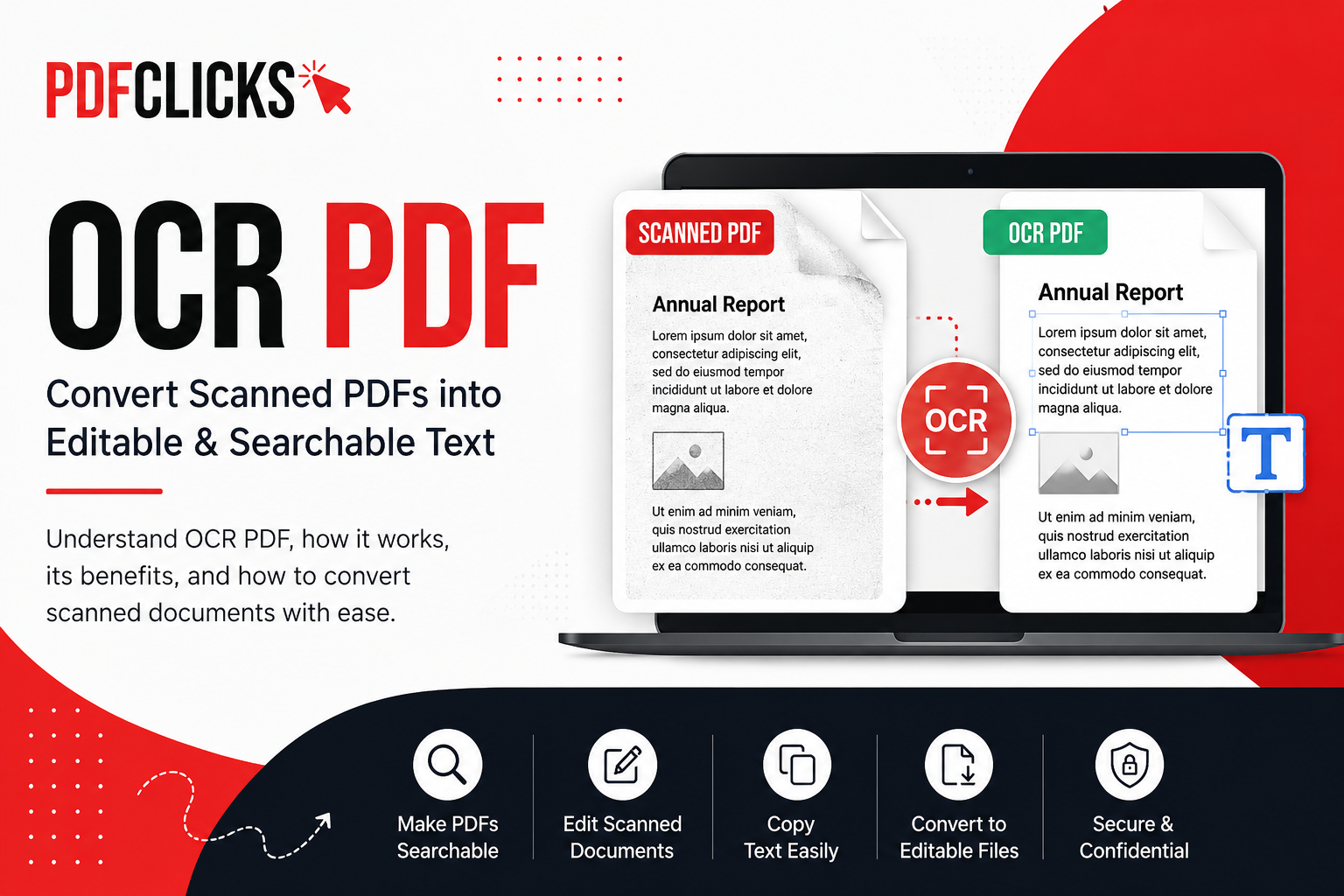
Have you ever received a scanned PDF that looked like an image and couldn't copy, search, or edit the text? That's where OCR PDF technology comes in. OCR (Optical Character Recognition) converts text inside scanned documents and image-based PDFs into machine-readable text, making your files searchable, editable, and easier to manage. Whether you're a student, business owner, or professional, OCR can save hours of manual typing and improve productivity.
In this guide, you'll learn what OCR PDF is, how it works, why it's important, where it's used, and how you can convert scanned PDFs into editable documents quickly using a reliable OCR PDF tool.
What Is OCR PDF?
An OCR PDF is a PDF file that has been processed using Optical Character Recognition (OCR) technology. OCR identifies printed characters within scanned documents or images and converts them into digital text that computers can understand.
Without OCR, a scanned PDF is simply a collection of images. While you can view the document, you cannot easily search for words, copy text, or make edits. Once OCR is applied, the document becomes searchable and much more useful for everyday tasks.
For example, imagine scanning a printed contract. Before OCR, the contract behaves like a photo. After OCR, you can search for specific clauses, copy important information, and even convert the document into editable formats such as Word.
This technology is widely used in education, business, healthcare, legal offices, finance, and government organizations because it helps transform paper documents into digital files that are easier to work with.
How Does OCR PDF Work?
OCR may sound like a complex technology, but the process is straightforward. It uses intelligent text recognition to detect letters, numbers, and symbols from scanned pages before converting them into readable digital content.
Here's how the process works:
1. The Document Is Scanned
The process begins when a paper document is scanned or an image-based PDF is uploaded. At this stage, every page is simply an image.
2. OCR Detects Characters
The OCR engine analyzes the image and identifies individual characters, words, and paragraphs. Modern OCR tools can recognize multiple fonts, layouts, and languages with impressive accuracy.
3. Text Is Converted
After recognizing the characters, OCR converts them into digital text while preserving the original document structure as closely as possible.
4. A Searchable PDF Is Created
The final output is a searchable and editable PDF. Users can now copy text, search for keywords, highlight content, or convert the document into other editable formats if needed.
Modern OCR technology uses advanced algorithms and artificial intelligence to improve text recognition, making today's OCR tools much more accurate than earlier generations.
Why Is OCR Important for PDF Documents?
Many important documents still exist only on paper or as scanned copies. Without OCR, these files can be difficult to organize, search, or edit.
OCR helps bridge the gap between physical paperwork and digital document management.
Here are some of the biggest advantages of using OCR PDF technology:
Saves Time
Instead of typing an entire document manually, OCR extracts the text within seconds. This can save hours of repetitive work, especially when handling large files.
Makes Documents Searchable
Searching through hundreds of scanned pages manually can be frustrating. OCR allows you to search for keywords instantly, helping you find information much faster.
Simplifies Editing
Once OCR converts the text, you can easily edit the content, correct mistakes, or reuse information without starting from scratch.
Improves Organization
Businesses and organizations often store thousands of digital documents. Searchable PDFs make document management much more efficient because files can be indexed and categorized accurately.
Supports Accessibility
OCR helps screen readers understand document content, making PDFs more accessible for people who rely on assistive technologies.
What Can You Do with an OCR PDF?
Many people think OCR only converts scanned documents into editable text. In reality, it opens the door to many useful tasks that make working with PDFs easier.
Here are some of the most common things you can do after applying OCR to a PDF:
Copy Text from Scanned Documents
Need information from an old report or printed contract? OCR allows you to copy text directly instead of typing it manually.
Search for Keywords
Large documents become much easier to navigate because you can instantly search for names, dates, invoice numbers, or specific phrases.
Edit Existing Content
After OCR recognition, you can modify the document or convert it into an editable format for further changes.
Convert to Other File Formats
OCR makes it easier to convert scanned PDFs into editable Word, Excel, or text documents while preserving much of the original content.
Archive Important Records
Businesses often digitize paper files using OCR so they can securely store, search, and retrieve important documents whenever needed.
Reuse Information
Students, researchers, and professionals can quickly extract quotes, references, or data from scanned books, reports, and articles without retyping everything.
Common Uses of OCR PDF in Everyday Life
OCR technology isn't limited to large corporations. Millions of people use it every day without realizing how much time it saves.
Here are some practical examples:
Students
Students often scan handwritten notes, textbooks, or study materials. OCR helps them search for important topics, copy notes, and organize assignments more efficiently. See our list of the best free PDF tools for students for more ways to simplify schoolwork.
Businesses
Companies use OCR to digitize invoices, purchase orders, contracts, and financial records. This improves document management and reduces paperwork.
Legal Professionals
Law firms regularly scan agreements, court records, and legal documents. OCR makes these files searchable, allowing lawyers to locate specific clauses in seconds.
Healthcare Providers
Hospitals and clinics use OCR to digitize patient records, prescriptions, and medical reports, making information easier to retrieve while reducing paper storage.
Accountants
Accounting teams process large numbers of invoices, tax documents, and receipts. OCR reduces manual data entry and helps organize financial records more efficiently.
Human Resources
HR departments frequently scan employee records, resumes, and onboarding documents. OCR helps recruiters search applications and manage employee files with greater accuracy.
Researchers
Researchers often work with scanned books, journals, and historical documents. OCR enables quick searching and text extraction for citations and analysis.
These real-world examples show why OCR has become an essential technology across many industries.
Can OCR Make Any Scanned PDF Editable?
This is one of the most common questions people ask about OCR.
The short answer is yes—but the results depend on the quality of the original document.
OCR performs best when the scanned document is clear, properly aligned, and contains printed text. Modern OCR engines are highly accurate, but certain factors can affect the final results.
For example:
High-resolution scans produce better text recognition.
Clear fonts are easier for OCR to identify.
Straight pages improve accuracy.
Good lighting during scanning reduces errors.
Printed documents usually provide better results than handwritten notes.
On the other hand, OCR may struggle with:
Blurry or low-quality scans
Handwritten text
Damaged or faded documents
Complex page layouts
Decorative fonts
Even in these situations, today's AI-powered OCR tools are significantly more accurate than older technologies and continue to improve every year.
Benefits of Using OCR PDF
Whether you're managing personal documents or business records, OCR offers several practical advantages that improve the way you work with PDF files.
Some of the biggest benefits include:
Saves hours of manual typing by automatically recognizing text.
Makes scanned PDFs searchable within seconds.
Simplifies editing and document updates.
Improves digital document organization.
Reduces paperwork and physical storage needs.
Helps businesses digitize records efficiently.
Supports collaboration by making information easier to share.
Enhances accessibility for users who rely on screen readers.
Increases productivity by reducing repetitive tasks.
Preserves valuable information from old paper documents.
Using OCR PDF technology isn't just about converting text—it's about making your documents more useful, searchable, and easier to manage in everyday life.
How to Convert a Scanned PDF into an Editable PDF
Converting a scanned PDF into an editable document is much easier than many people think. With a reliable OCR PDF tool, the entire process usually takes just a few minutes and doesn't require any technical skills.
Whether you're working with a scanned invoice, contract, textbook, or report, OCR technology can recognize the text and make it searchable and editable.
Follow these simple steps:
Step 1: Upload Your Scanned PDF
Open the OCR PDF tool and upload the scanned document from your computer, phone, or cloud storage. For the best results, make sure your PDF is clear and easy to read.
Step 2: Let the OCR Process Begin
Once the file is uploaded, the OCR engine scans every page and identifies printed text, numbers, symbols, and formatting. The processing time depends on the document size and the number of pages.
Step 3: Review the Recognized Text
After processing is complete, quickly review the document to ensure everything has been recognized correctly. Most modern OCR tools deliver excellent accuracy for high-quality printed documents.
Step 4: Download Your Editable PDF
Once you're satisfied with the results, download your searchable or editable PDF. Depending on your needs, you may also choose to convert the recognized text into formats like Word for further editing.
Tip: If you're using PDFClicks, you can upload your scanned PDF, apply OCR, and continue working with other PDF tools such as PDF to Word, Merge PDF, or Compress PDF without switching between multiple websites.
Tips to Get the Best OCR Results
OCR technology has become incredibly accurate, but the quality of the final output still depends on the quality of the original document. A few simple improvements before uploading your file can significantly increase text recognition accuracy.
Here are some practical tips to achieve the best results.
Use High-Quality Scans
The clearer the document, the more accurately OCR can recognize the text. Whenever possible, scan documents at 300 DPI or higher. High-resolution scans reduce recognition errors and preserve small details.
Keep Pages Straight
Crooked or tilted pages make it harder for OCR software to detect lines of text correctly. Before scanning, ensure each page is aligned properly.
Ensure Good Lighting
If you're scanning documents using a mobile phone, avoid shadows, glare, or uneven lighting. Good lighting helps produce a cleaner image for OCR processing.
Use Clear Printed Documents
OCR works best with printed text. Documents that use standard fonts are generally recognized more accurately than decorative or stylized fonts.
Remove Background Noise
Dirty pages, stamps, watermarks, wrinkles, and unnecessary marks can confuse OCR software. A clean document usually produces much better results.
Scan One Language at a Time
If a document contains multiple languages, choose an OCR tool that supports multilingual recognition. Selecting the correct language before processing can improve recognition accuracy.
Review the Output
Although modern OCR technology is highly accurate, it's still a good idea to review important documents before sharing or editing them. A quick proofread helps catch any small recognition errors.
OCR PDF vs Regular PDF: What's the Difference?
Many users assume all PDF files work the same way, but there is a significant difference between a regular scanned PDF and an OCR PDF. The comparison below explains why OCR makes PDFs much more useful.
OCR PDF:
Search text: Yes
Copy text: Yes
Select individual words: Yes
Edit content: Possible after OCR
Convert to Word easily: Yes
Accessibility support: Better
Ideal for: Business, education, legal, research
Regular Scanned PDF:
Search text: No
Copy text: No
Select individual words: No
Edit content: Not possible
Convert to Word easily: Limited
Accessibility support: Limited
Ideal for: Simple viewing only
Which One Should You Choose?
If you only need to view a scanned document occasionally, a regular PDF may be enough. However, if you need to search, edit, archive, translate, or reuse information, an OCR PDF is the better choice. It offers much greater flexibility and improves document management for both personal and professional use.
Is OCR PDF Accurate?
One of the biggest concerns people have is whether OCR can recognize text correctly.
The good news is that modern OCR technology is highly accurate, especially when working with high-quality printed documents.
Many OCR systems can achieve excellent recognition rates under the right conditions. However, accuracy depends on several factors.
Factors That Improve OCR Accuracy
High-resolution scans
Clear printed fonts
Proper page alignment
Good image quality
Minimal background noise
Correct language selection
Situations Where Accuracy May Decrease
OCR may produce occasional errors when working with:
Blurry images
Low-resolution scans
Handwritten notes
Faded ink
Damaged documents
Complex tables or unusual layouts
For important business, legal, or financial documents, it's always recommended to review the recognized text before finalizing or sharing the file.
Is OCR PDF Safe to Use Online?
Yes—using an OCR PDF tool can be safe, provided you choose a trusted service that values user privacy and file security.
Because PDFs often contain personal or confidential information, it's important to understand how your files are handled after uploading.
Here are a few security features you should look for.
Secure File Transfers
Choose tools that use encrypted connections during file uploads and downloads. Encryption helps protect your documents while they are being transferred over the internet.
Automatic File Deletion
Reliable OCR platforms automatically delete uploaded files after processing or within a limited period. This reduces the risk of unauthorized access and protects your privacy.
No Permanent Storage
Many reputable online PDF tools process your document temporarily without permanently storing your files. Always review the platform's privacy policy if you're working with confidential information.
Trusted Platforms
When selecting an OCR PDF tool, look for services that are transparent about their security practices, file handling, and privacy policies.
A trustworthy platform should clearly explain:
How files are processed
Whether documents are stored
When uploaded files are deleted
What security measures are in place
These details help users make informed decisions and build confidence in the service.
Best Practices for Protecting Sensitive Documents
Even when using a trusted OCR tool, following a few basic precautions can further improve your security.
Upload documents only when necessary.
Avoid using public Wi-Fi for confidential files.
Delete downloaded files from shared devices.
Use password protection for sensitive PDFs whenever possible.
Review privacy policies before uploading highly confidential information.
Following these simple practices helps keep your documents secure while enjoying the convenience of online OCR tools.
By understanding how OCR works, following best practices, and choosing a reliable platform, you can confidently convert scanned PDFs into searchable, editable documents while maintaining accuracy and protecting your data.
Who Should Use an OCR PDF Tool?
OCR technology isn't designed for just one profession. Anyone who regularly works with scanned documents can benefit from using an OCR PDF tool. Whether you're organizing personal records or managing business files, OCR helps save time and makes documents much easier to use.
Here are some of the people who benefit the most from OCR PDF technology.
Students
Students often receive scanned lecture notes, textbooks, research papers, and assignments. OCR makes these documents searchable, allowing them to quickly find important topics, copy text for notes, and prepare assignments more efficiently.
Teachers and Educators
Teachers frequently digitize worksheets, exam papers, and educational resources. OCR allows them to edit existing material instead of creating new documents from scratch, saving valuable preparation time.
Business Owners
Businesses handle contracts, invoices, receipts, purchase orders, and reports every day. OCR helps organize these documents digitally, making them easier to search, retrieve, and share across teams.
Accountants
Accounting professionals process hundreds of financial documents every month. OCR reduces manual data entry by extracting text from invoices, tax documents, and receipts, improving both speed and accuracy.
Human Resources Teams
HR departments manage employee records, resumes, application forms, and onboarding documents. OCR simplifies document management by making files searchable and easier to organize.
Legal Professionals
Law firms often work with lengthy contracts, court filings, and case documents. Instead of manually reviewing every page, lawyers can instantly search for names, clauses, dates, or keywords using OCR-enabled PDFs.
Healthcare Professionals
Hospitals and clinics rely on OCR to digitize patient records, prescriptions, insurance forms, and medical reports. This improves document accessibility while reducing dependence on physical paperwork.
Researchers and Writers
Researchers regularly collect information from books, journals, newspapers, and historical archives. OCR helps convert printed materials into searchable text, making research faster and more organized.
Freelancers and Remote Workers
Freelancers often receive scanned contracts, client documents, receipts, and project files. OCR makes it easier to edit, reuse, and organize information without manually retyping content.
No matter your profession, OCR PDF technology can help you work more efficiently by turning static scanned documents into searchable, editable digital files.
Frequently Asked Questions About OCR PDF
Below are answers to some of the most common questions users ask about OCR PDF technology.
What does OCR stand for?
OCR stands for Optical Character Recognition. It is a technology that recognizes printed text in scanned documents or images and converts it into machine-readable text.
Is OCR PDF free to use?
Many online platforms offer free OCR PDF tools for basic document processing. Some services also provide premium features such as larger file limits, advanced language support, or higher processing speeds.
Can OCR recognize handwriting?
OCR works best with printed text. While modern AI-powered OCR systems have improved handwriting recognition, results can vary depending on handwriting style, clarity, and scan quality.
Can I edit a scanned PDF after using OCR?
Yes. Once OCR has recognized the text, the document becomes searchable and can often be edited directly or converted into editable formats like Microsoft Word.
Does OCR work on mobile devices?
Yes. Many OCR tools support smartphones and tablets, allowing users to scan documents with their mobile camera and convert them into searchable PDFs.
Can OCR convert images into text?
Yes. OCR technology can recognize printed text from images such as JPG, PNG, TIFF, and scanned PDFs, then convert it into editable digital text.
Does OCR support multiple languages?
Most modern OCR solutions support multiple languages. The available language options vary depending on the software or online tool you're using.
Why isn't my OCR result accurate?
OCR accuracy depends largely on the quality of the original document. Blurry scans, poor lighting, faded text, unusual fonts, or damaged pages can reduce recognition accuracy.
Can OCR process multi-page PDF files?
Yes. Most OCR PDF tools can process multi-page documents, making them searchable while preserving the original page order and layout whenever possible.
Is OCR useful for old scanned documents?
Absolutely. OCR is commonly used to digitize books, historical records, archived documents, and printed reports. Even older documents can often be converted into searchable text if the scan quality is reasonable.
Final Thoughts
Working with scanned documents doesn't have to be slow or frustrating. OCR PDF technology transforms image-based PDFs into searchable, editable documents, making it easier to find information, reuse text, and manage files more efficiently.
Whether you're a student organizing study materials, a business digitizing paperwork, or a professional handling contracts and reports, OCR can save time and reduce manual work. Instead of retyping entire documents, you can quickly convert scanned PDFs into useful digital files that are easier to search, edit, and share.
For the best results, always use clear, high-quality scans and choose a trusted OCR tool that protects your privacy and delivers accurate text recognition.
If you're looking for a simple way to convert scanned PDFs into searchable documents, try the OCR PDF tool on PDFClicks. You can also use other helpful tools like PDF to Word, Merge PDF, Split PDF, and Compress PDF to manage all your PDF tasks in one place.
Conclusion
OCR has changed the way we work with digital documents. By turning scanned PDFs into editable and searchable files, it helps individuals and businesses improve productivity, organize information, and reduce time spent on repetitive tasks.
As more organizations move toward paperless workflows, OCR PDF technology has become an essential part of modern document management. Understanding how it works and using it effectively can make everyday tasks faster, easier, and more efficient.